Why convert websites to Markdown for LLMs
A typical web page is mostly code: navigation, scripts, tracking, cookie banners and layout markup. Feeding that to a model wastes context and adds noise. Markdown keeps what matters for meaning: # headings show the structure, lists and tables stay intact, and links keep their targets. That is why website to Markdown for LLM pipelines is the first step of most RAG systems, AI agents that read the web, and documentation chatbots.
Website to Markdown in Python
For a single page, fetch the HTML, remove the boilerplate and convert the main content with markdownify:
import requests
from bs4 import BeautifulSoup
from markdownify import markdownify

url = "https://go.dev/doc/"
html = requests.get(url, headers={"User-Agent": "Mozilla/5.0 (compatible; my-scraper/1.0)"}, timeout=20).text
soup = BeautifulSoup(html, "html.parser")
for tag in soup(["script", "style", "nav", "header", "footer", "aside"]):
    tag.decompose()  # drop menus and boilerplate before converting
main = soup.find("main") or soup.body
markdown = markdownify(str(main), heading_style="ATX")
print(markdown.strip()[:600])
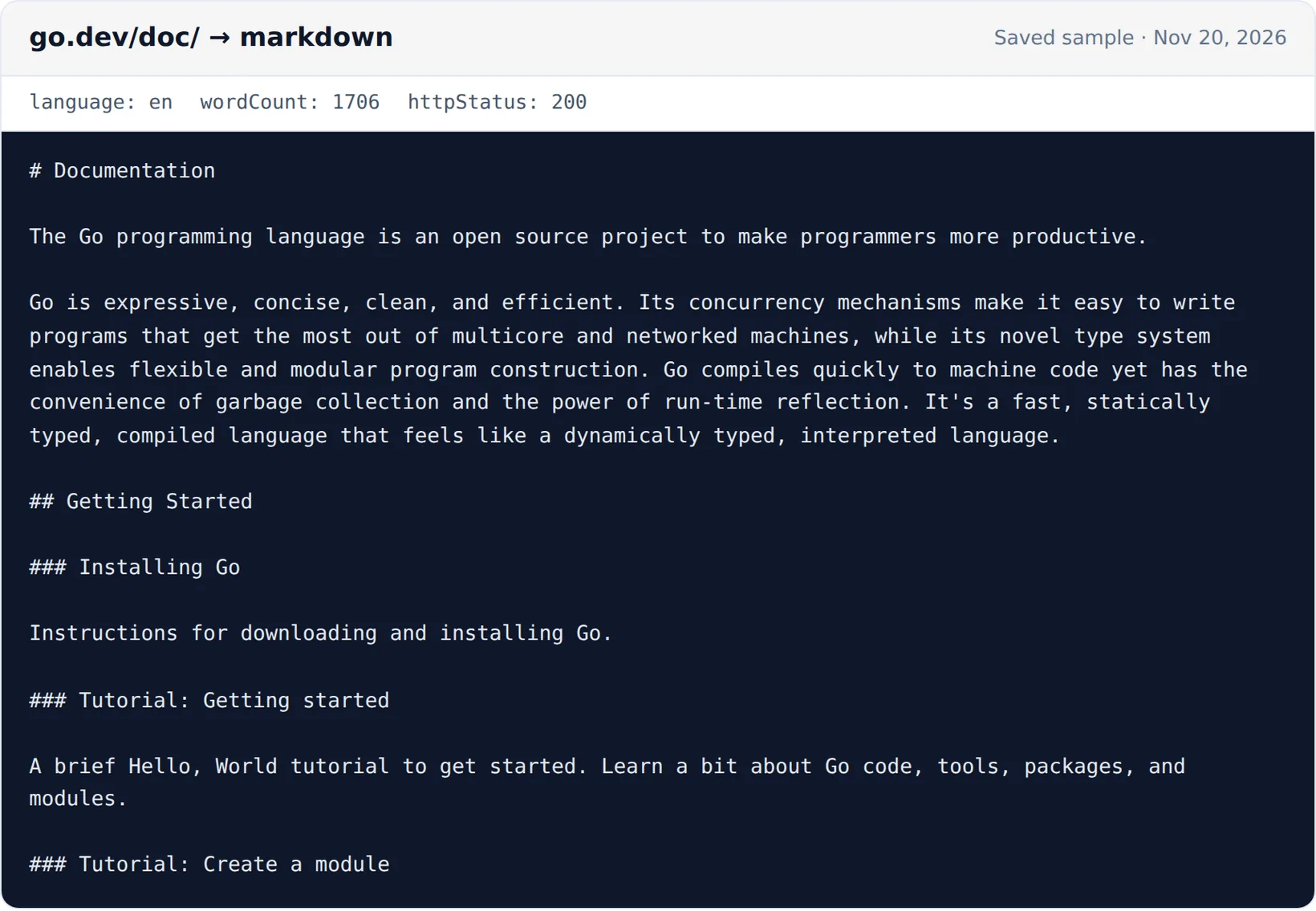
Run on November 20, 2026, it printed the Go documentation page starting with # Documentation and its first paragraphs, the same text the extractor returns. It needs pip install requests beautifulsoup4 markdownify. Pages that build their content with JavaScript return little or nothing this way; they need a headless browser.
Crawl a whole website to Markdown
To crawl a website to Markdown, not just one page, you need a crawler that follows links, stays in scope and skips duplicates. The Website Markdown Extractor does that:
| Setting | What it does |
|---|---|
| Start URLs | Up to 50 pages to start from |
| Scope | Only pages under the start URL path (best for docs), anywhere on the same host, or on any subdomain |
| Max pages and depth | Stop after 1–1,000 pages and limit how many clicks from a start URL to follow |
| Sitemap | Also add in-scope pages listed in the site's sitemap, including pages nothing links to |
| Include and exclude patterns | Crawl only URLs matching patterns, or skip ones like **/changelog/** |
| Remove selectors | Extra CSS selectors to drop; navigation, headers, footers, sidebars and cookie banners are always removed |
| Links | Optionally list the links found on each page |
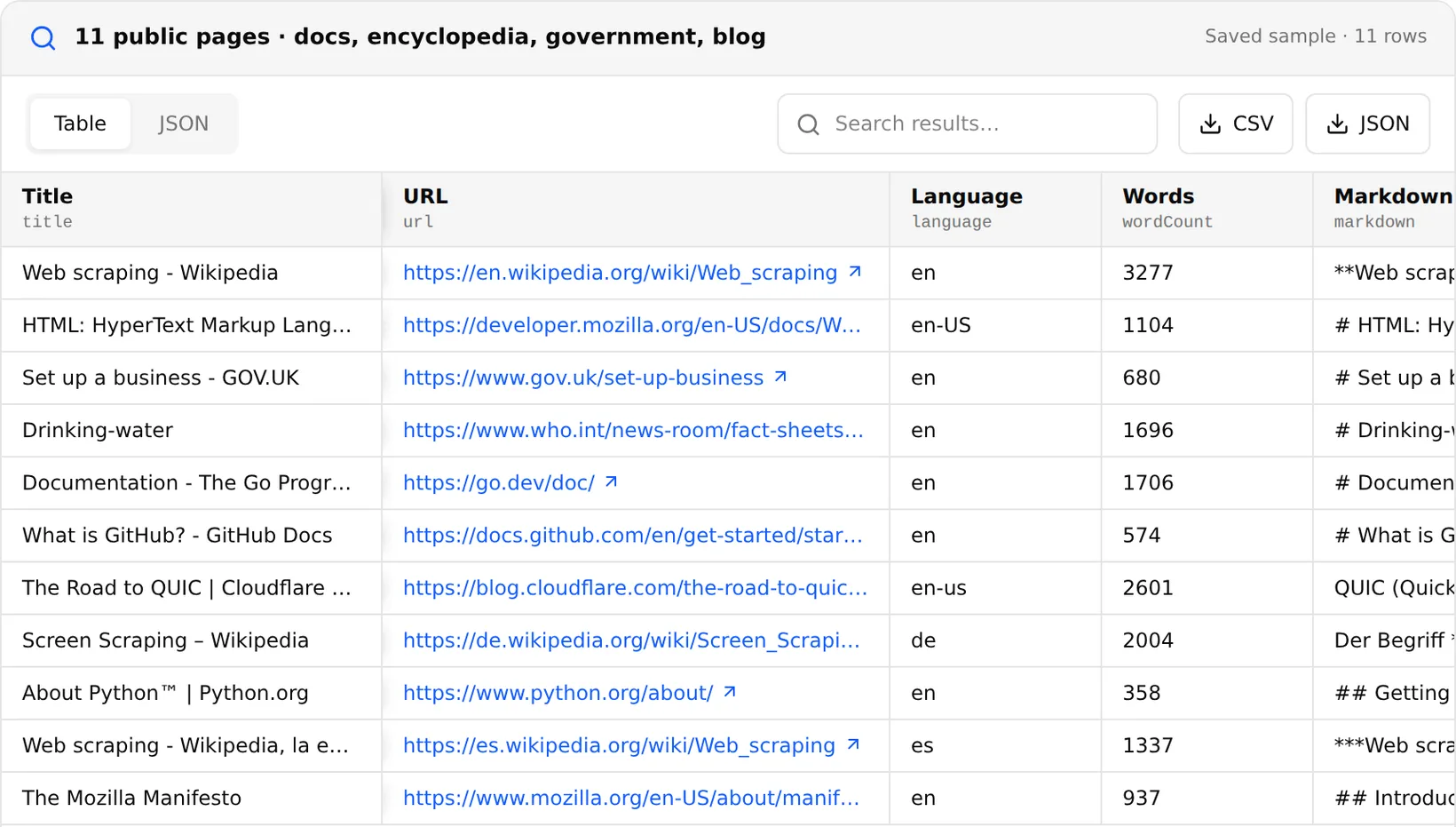
Each page comes back with its URL, title, description, language, the Markdown, a word count, the HTTP status, the last-modified date when the site provides one and a content hash for spotting changes. 1,000 pages cost $0.19.
Website to Markdown converters compared
| Tool | How it works | Free use |
|---|---|---|
| Python (markdownify, html2text) | Code you run; one page at a time unless you write a crawler | Free; you handle blocking and JavaScript pages |
| Jina Reader | Prefix r.jina.ai/ to a URL to get LLM-friendly text | 20 requests a minute without a key; 10M free tokens with a new key; paid by tokens |
| Firecrawl | API that scrapes and crawls pages to Markdown or JSON | 1,000 credits a month free; plans up to $749 for 1M credits |
| Extracto Markdown Extractor | Crawler with scope, sitemap and pattern controls | $0.19 / 1,000 results, 2,500 trial credits |
| Browser extensions | Website to Markdown Chrome extension: converts the page you have open | Free, one page at a time |
A website to Markdown online converter or Chrome extension is the quickest way to grab one article. For a documentation site or a knowledge base, use a crawler so pages stay consistent and you can re-run it when the site changes.
For a detailed price and feature comparison with Firecrawl, see Extracto vs Firecrawl.
HTML to Markdown API
Run the extractor through the Extracto API to scrape website to Markdown as part of a pipeline. This request crawls a documentation section through its sitemap:
curl --request POST 'https://extracto.cloud/api/v1/parsers/website-markdown-extractor?wait=1' \
  --header 'X-API-KEY: ext_your_api_key' \
  --header 'Idempotency-Key: docs-markdown-2026-11-20' \
  --header 'Content-Type: application/json' \
  --data '{"input": {"startUrls": ["https://docs.example.com/guide"], "maxPages": 200, "crawlScope": "path", "useSitemap": true}}'
Check the scraper page for the exact input format. Use the contentHash field to re-embed only pages that changed since the last run.
Tips for LLM and RAG use
- Split on headings, not fixed lengths, so each chunk keeps its context.
- Keep the URL and title with every chunk for citations.
- Remove repeated blocks (cookie text, related posts) with remove selectors before embedding.
- Check the word count: very short pages are often error or login pages.
- Respect robots.txt and the site's terms; for your own docs, publish an
llms.txtto point models at the right pages.