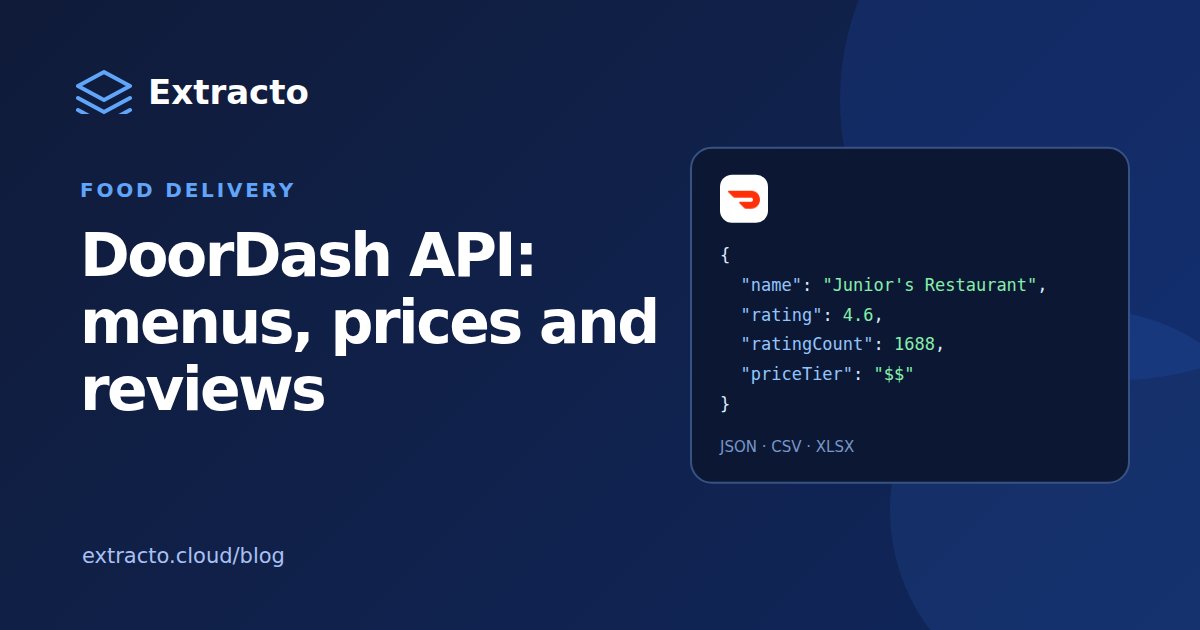
Does DoorDash have an API?
Yes, for partners. Every DoorDash developer API sits on one portal, which lists API references for Drive, Marketplace, Marketplace for Retailers, Ads and Reporting. The DoorDash Marketplace API lets partners manage their own menu, store and order data: a menu API to create and update the menus customers see, an order webhook for live orders and a store webhook for store and item availability. It is marked limited access: Marketplace APIs are not yet generally available, and prospective partners apply through the developer portal.
If you are looking for the DoorDash Drive API to send your own deliveries, that is a separate partner product on the same portal. What none of these offers is a DoorDash public API for reading another restaurant's menu, prices or reviews, so there is no DoorDash API key that gives you that data.
DoorDash scraper: menus, prices and reviews
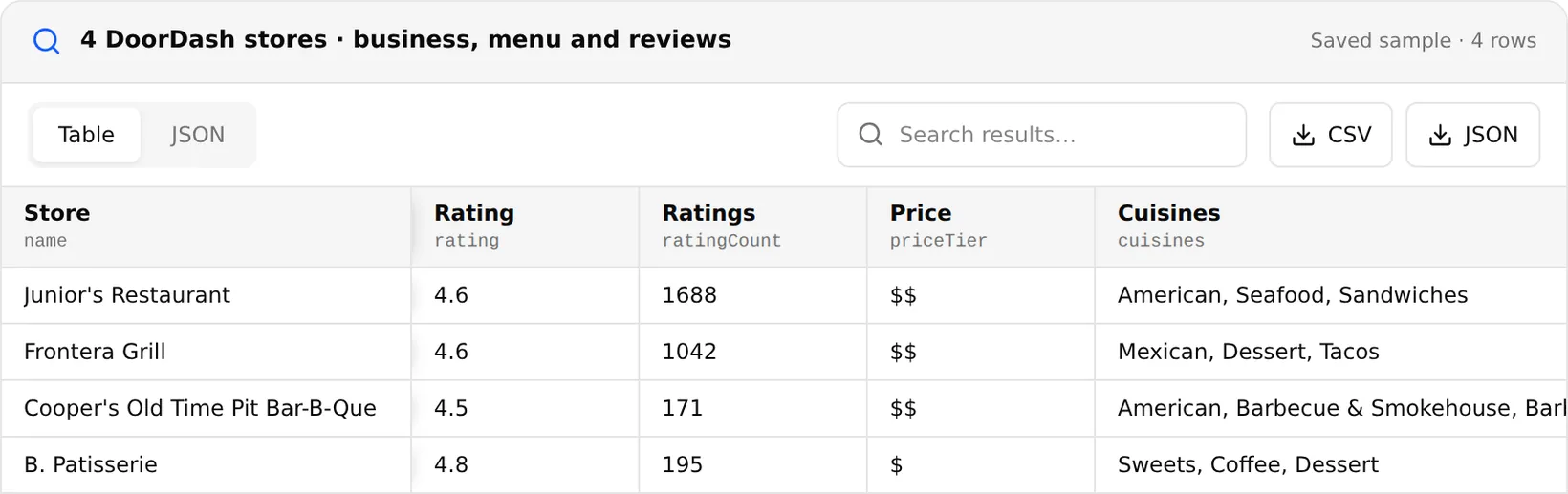
The DoorDash Scraper works as a DoorDash menu API for any public store. Paste the link to one store (menu and review page links of the same store also work) and choose what to collect: business details, the full menu, public reviews, or everything. You get:
| Data | Fields |
|---|---|
| Store | Name, store ID, rating and rating count, price tier, cuisines, description, address, coordinates, phone, website, hours |
| Delivery | Delivery fee, delivery and pickup ETA, delivery, pickup, group order and scheduling options, DashPass flag |
| Menu | Categories, every item with price, and the most-ordered items |
| Reviews | Rating histogram and up to 20 written public reviews |
One task collects one store, whatever the size of its menu, and costs 100 credits/run. Search pages and whole chains are not supported, so run one task per location. Most DoorDash customers leave a star rating without text, so some stores return few written reviews or none; the rating histogram still covers all ratings.
DoorDash API in Python
import requests

response = requests.post(
    "https://extracto.cloud/api/v1/parsers/doordash-scraper?wait=1",
    headers={"X-API-KEY": "ext_your_api_key", "Idempotency-Key": "doordash-juniors-2026-11-20"},
    json={"input": {"url": "https://www.doordash.com/store/juniors-restaurant-new-york-704090/",
                    "mode": "full", "maxReviews": 10}},
    timeout=600,
)
store = response.json()["data"][0]
print(store["name"], store["rating"], store["ratingCount"], store["deliveryFee"])
for item in store["menu"]["popularItems"][:5]:
    print(" ", item["name"], item["price"])
For a list of stores, send one task per store URL and run them in parallel. Check the scraper page for the full output example.
What people use DoorDash data for
- Menu and price benchmarking: what competitors charge for comparable dishes, and how delivery prices compare with dine-in menus.
- Restaurant market research: cuisines, price tiers and ratings of restaurants in an area.
- Sales prospecting: restaurants on DoorDash with their phone and website, for food-tech and supplier outreach.
- Review analysis: combine DoorDash ratings with Yelp and Google reviews.
Is it legal to scrape DoorDash?
Menus, prices and public reviews are visible to anyone who opens the store, but DoorDash's terms restrict automated access, and reviewers' names are personal data. Use the data for analysis, do not republish menus or photos as your own, and keep personal data to what you need.