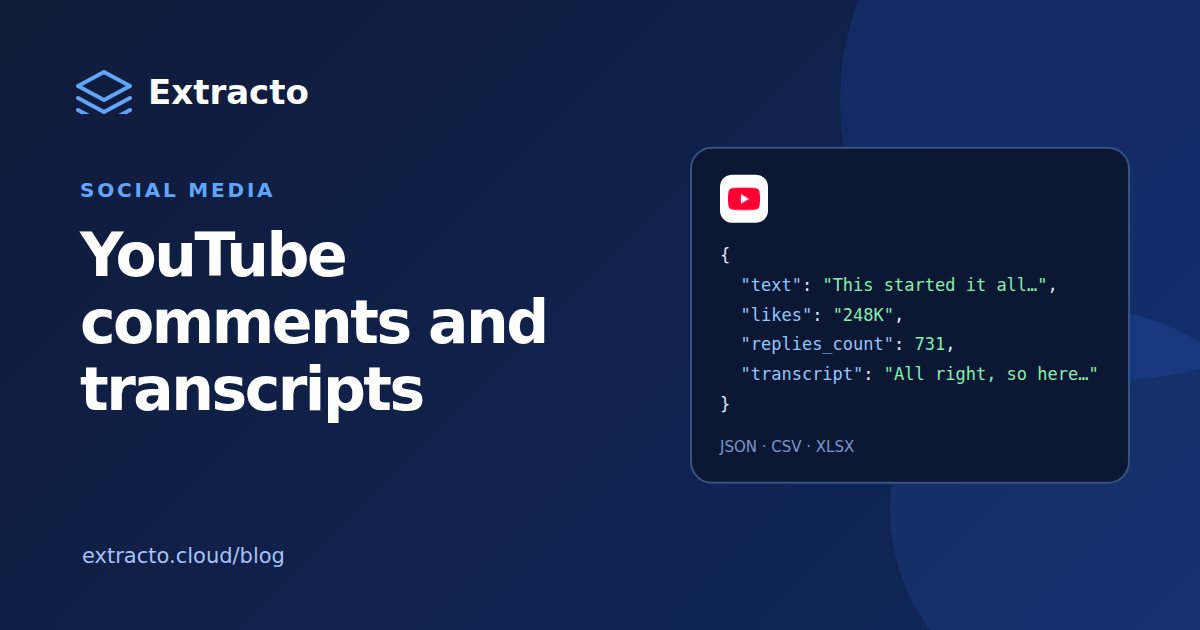
What the YouTube comments scraper returns
| Field | What it contains |
|---|---|
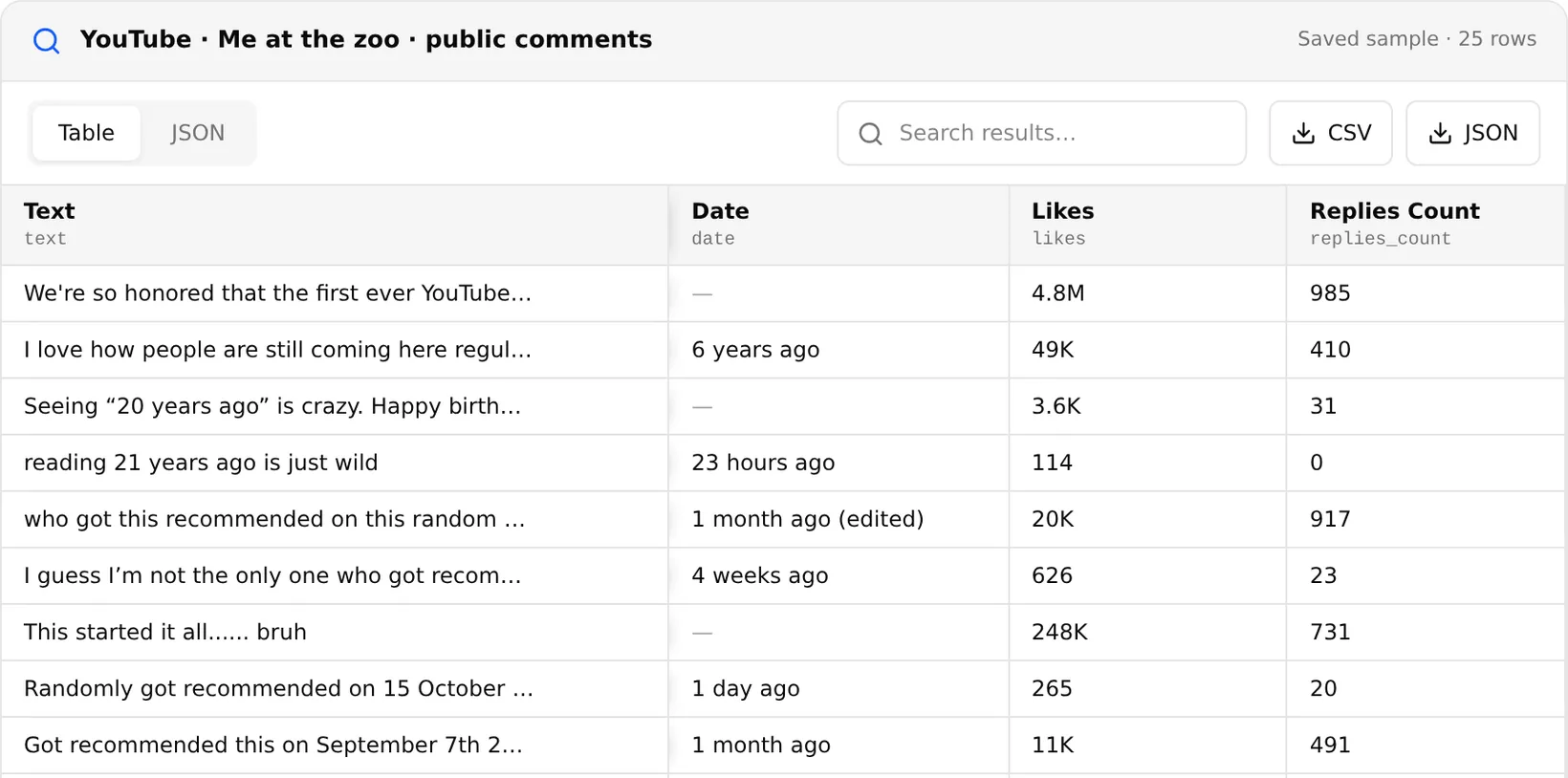
| text | The comment text |
| likes | Likes as YouTube shows them, for example 49K |
| replies_count | How many replies the comment has |
| date | Posting age as YouTube shows it, such as 6 years ago; empty when YouTube gives none |
As a YouTube comment scraper online, it needs nothing installed. Each run covers one video, up to the limit you set. For many videos, run one task per video URL, or loop over URLs through the API. Private videos and videos with comments turned off return no rows.
Two quirks to plan for: likes come as display strings, so convert 4.8M and 49K to numbers before you sort, and dates are relative, so store the collection date next to them.
What the YouTube transcript scraper returns
| Field | What it contains |
|---|---|
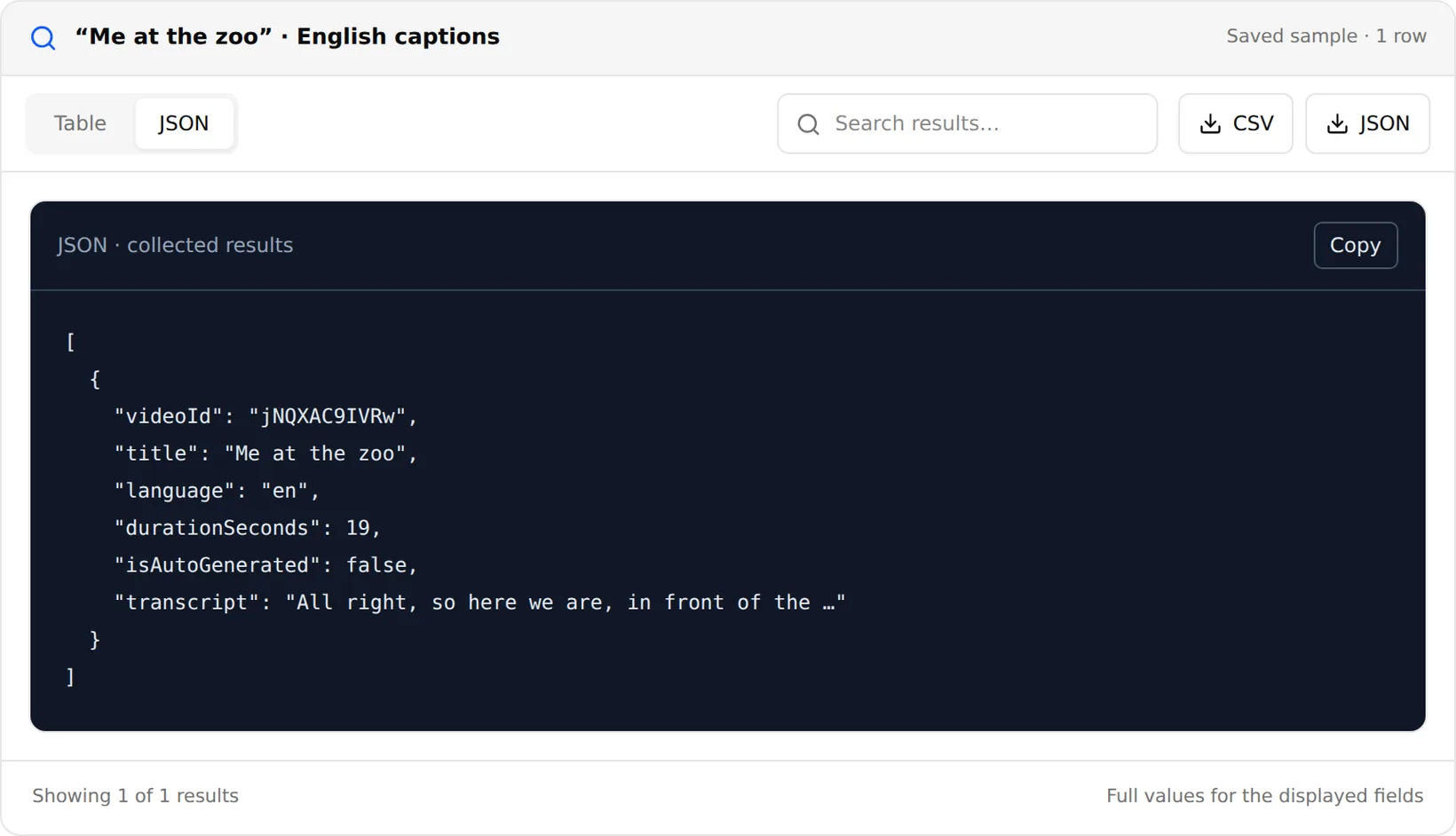
| videoId, title | Which video the transcript belongs to |
| language | The caption language that was used |
| isAutoGenerated | Whether the captions were written by a person or generated by YouTube |
| durationSeconds | Video length |
| transcript | The full caption text |
Give it up to 10 video URLs per run (regular, youtu.be and Shorts links all work) and a list of languages in order of preference; the first language with captions wins. Keep prefer manual captions on to use human-written subtitles when both kinds exist. As a YouTube subtitle scraper it is only as good as the captions: a video with no captions in your languages returns no transcript.
For a YouTube channel transcript scraper, first list the channel's videos with the YouTube Scraper, then send the URLs to the transcript extractor in batches of 10. As a YouTube video transcript scraper it costs $0.10 per 1,000 transcripts.
How to export YouTube comments step by step
- Open the YouTube Comments Scraper.
- Paste the video URL and set how many comments you want.
- Run the task, then search the saved results or export them to CSV or JSON.
- Repeat for each video, or automate the loop through the API.
Comments and transcripts through the API
Both scrapers run through the Extracto API. Comments for one video:
curl --request POST 'https://extracto.cloud/api/v1/parsers/youtube-comments-scraper?wait=1' \
  --header 'X-API-KEY: ext_your_api_key' \
  --header 'Idempotency-Key: yt-comments-2026-11-20' \
  --header 'Content-Type: application/json' \
  --data '{"input": {"video_url": "https://www.youtube.com/watch?v=jNQXAC9IVRw", "limit": 500}}'
Transcripts for a batch of videos:
curl --request POST 'https://extracto.cloud/api/v1/parsers/youtube-transcript-extractor?wait=1' \
  --header 'X-API-KEY: ext_your_api_key' \
  --header 'Idempotency-Key: yt-transcripts-2026-11-20' \
  --header 'Content-Type: application/json' \
  --data '{"input": {"videoUrls": ["https://www.youtube.com/watch?v=jNQXAC9IVRw"], "languages": ["en"], "preferManualCaptions": true}}'
What to do with comments and transcripts
- Audience questions: filter comments containing a question mark to find content ideas and FAQ topics.
- Sentiment: score comments on product reviews and launch videos, and compare competitors.
- Summaries and search: feed transcripts to an LLM to summarise a channel or build a searchable library.
- Quotes and claims: check what was actually said in a video before citing it.
YouTube Data API, Python and extensions
The YouTube Data API returns comments cheaply: a comment threads request costs 1 quota unit out of the default 10,000 per day, and returns up to 100 threads. Captions are another story: downloading a caption track costs 200 units and requires permission to edit the video, so the official API cannot fetch transcripts of other people's videos.
A YouTube comment scraper in Python built on the API works well for a handful of videos. Open-source caption libraries read YouTube's public caption files but break when YouTube changes them. A free YouTube comment scraper Chrome extension exports what your browser loads, which is fine for one video and slow for fifty. If you are comparing hosted YouTube comments scrapers, check the price per 1,000 comments and whether they return reply counts.
Is it allowed?
Comments are public, but commenters are people: usernames and comment text can be personal data under laws such as the GDPR. This scraper does not return commenter names, which helps. Analyse comments in aggregate, do not republish them as your own content and respect YouTube's terms.