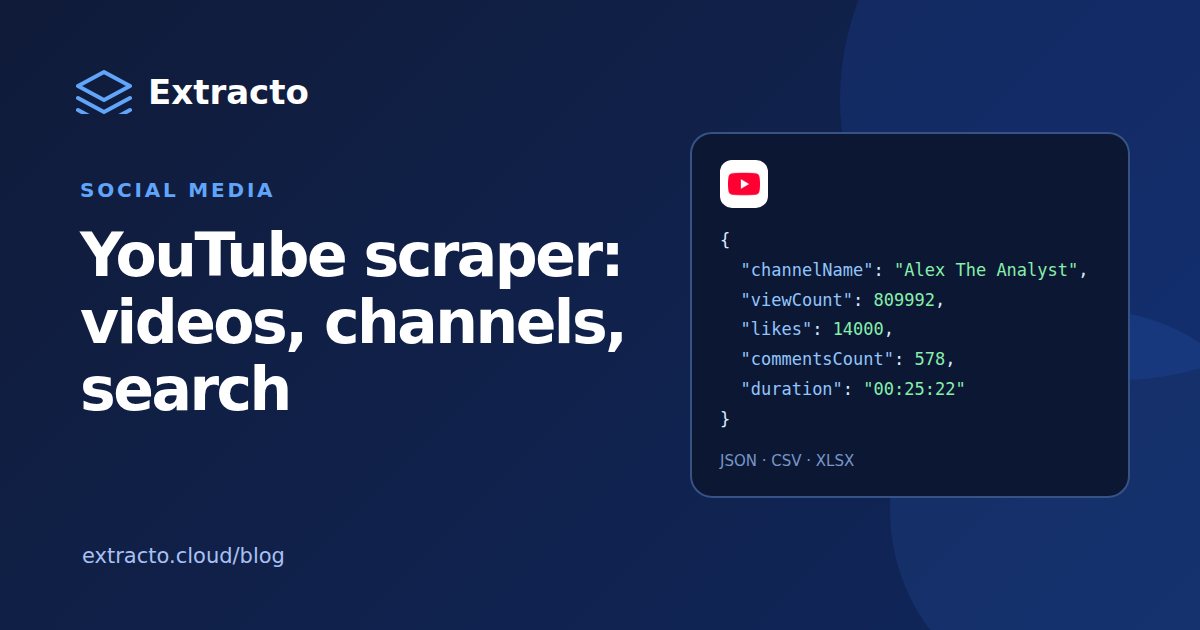
What a YouTube scraper collects
| Data | Fields |
|---|---|
| Video | Title, video ID, URL, type (video, Short or stream), duration, publish date, thumbnail |
| Engagement | View count, likes, comment count |
| Text | Description, links found in the description, hashtags |
| Channel | Channel name, URL, username, channel ID and subscriber count |
| Subtitles (optional) | Existing subtitles in the language and format you choose (SRT and others) |
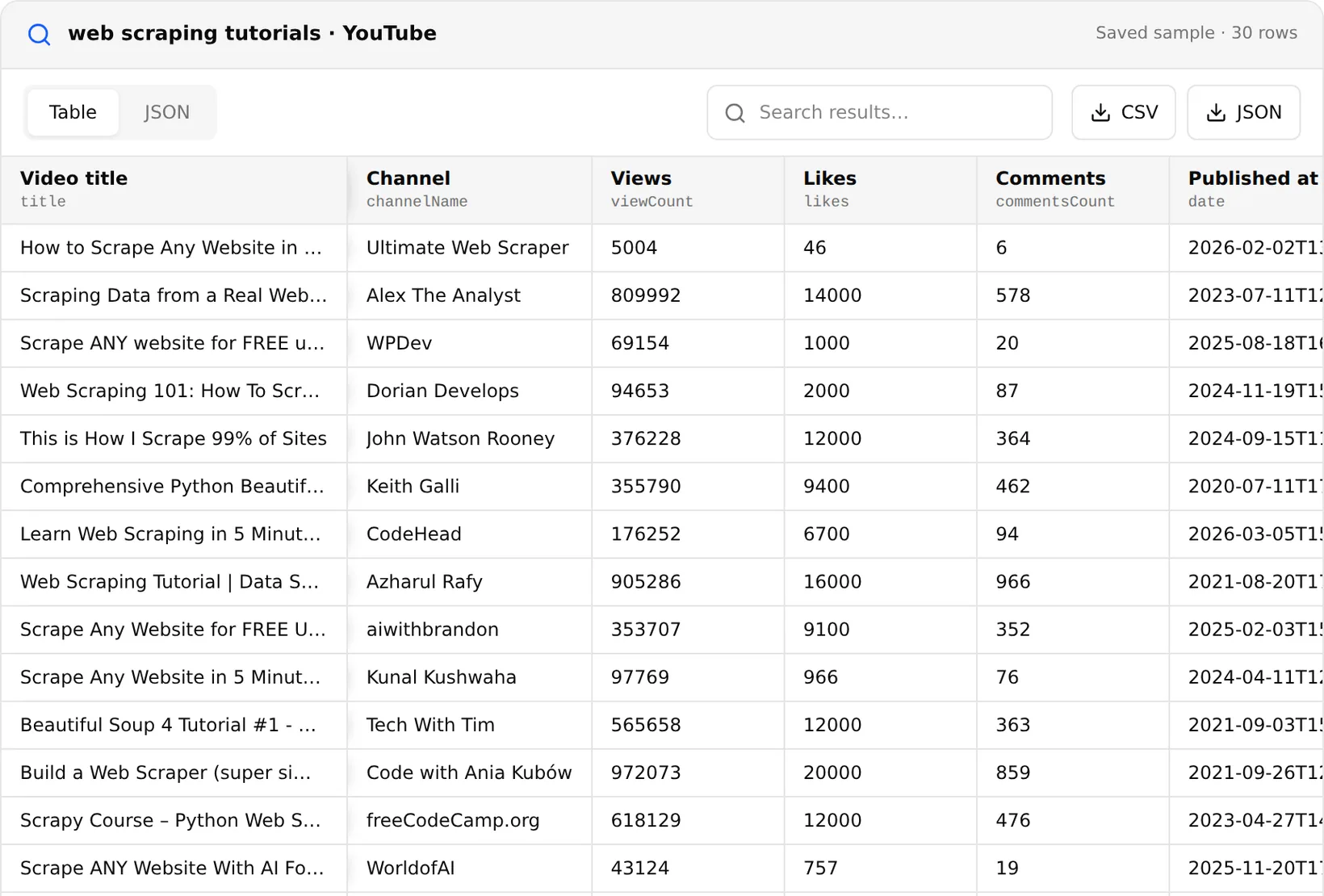
Results export to CSV, JSON or Google Sheets, so the same YouTube data scraper feeds a spreadsheet, a dashboard or a database.
Search terms, channels, playlists and Shorts
| Input | What you get | Typical use |
|---|---|---|
| Search terms | Videos matching each query, like YouTube's search bar | Mapping a topic or niche |
| Channel URL | The channel's videos, Shorts and streams, each with its own limit | A YouTube channel scraper for creator research |
| Playlist URL | Every video in the playlist | A YouTube playlist scraper for courses and series |
| Video URL | That video's details | Refreshing views and likes on a known list (a YouTube video scraper) |
| Hashtag or search page URL | The videos on that page | Trend tracking |
Separate limits for regular videos, Shorts and streams make it a YouTube Shorts scraper too: set the Shorts limit and leave the others at zero. Search runs accept YouTube's own filters: upload date, type, length, sort order and features such as HD, 4K, live, subtitles or Creative Commons. To collect only recent uploads from a channel, set an oldest post date; date filtering on channel videos adds a small charge per video, shown in the estimate before you run.
How to scrape YouTube step by step
- Open the YouTube Scraper.
- Enter search terms, or paste channel, playlist or video URLs.
- Set the maximum number of videos, Shorts and streams, and any search filters.
- Check the estimate, run the task and export the results. New accounts get 2,500 free credits to test it.
YouTube scraper API
The same scraper runs from code through the Extracto API. This request searches for videos from the past month and returns the rows in the response:
curl --request POST 'https://extracto.cloud/api/v1/parsers/youtube-scraper?wait=1' \
  --header 'X-API-KEY: ext_your_api_key' \
  --header 'Idempotency-Key: yt-search-2026-11-20' \
  --header 'Content-Type: application/json' \
  --data '{"input": {"searchQueries": ["web scraping tutorials"], "maxResults": 50, "maxResultsShorts": 0, "maxResultStreams": 0, "sortingOrder": "relevance", "dateFilter": "month"}}'
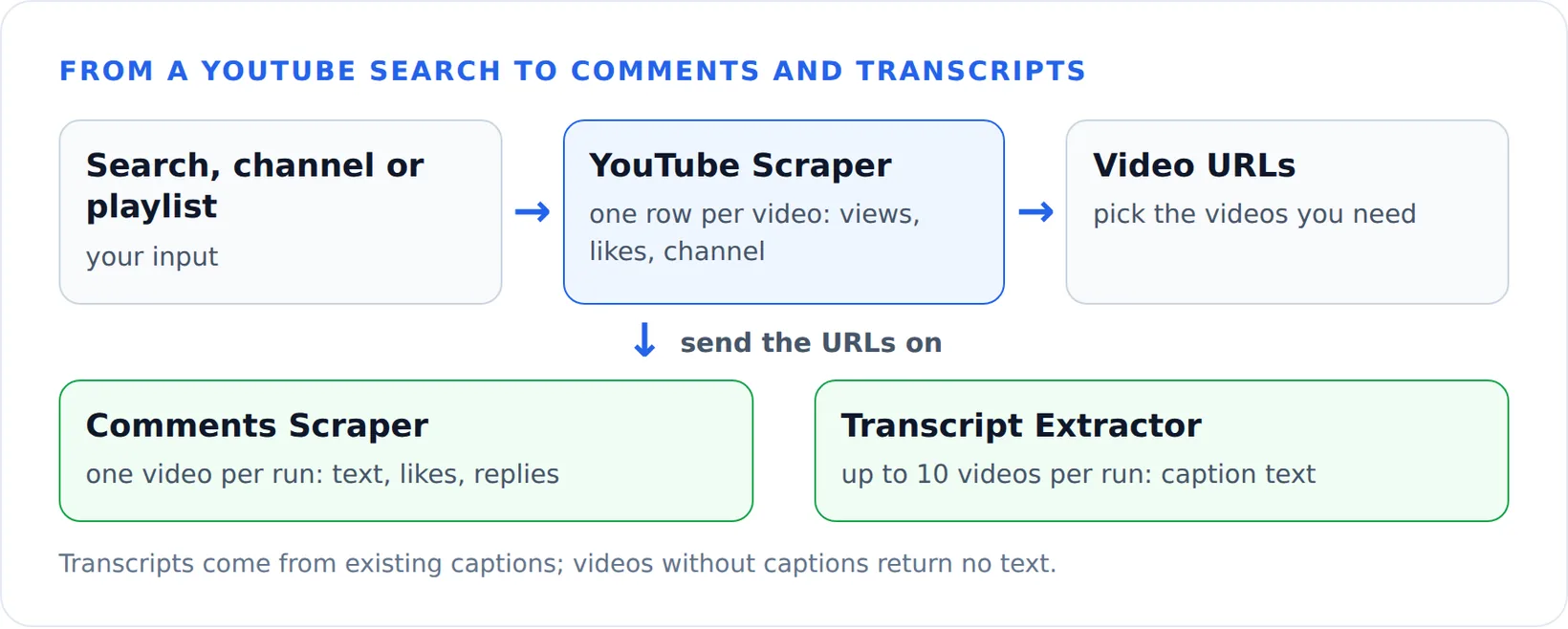
Pipe the video URLs into the comments or transcript scraper to go one level deeper.
Can a YouTube email scraper find creator emails?
Not directly. YouTube shows a channel's business email only to signed-in visitors behind a captcha, and the YouTube Scraper does not collect it. What you do get is every link in the video descriptions. Creators usually link their website, Linktree or store there, and the Website Contact Extractor finds the published emails on those sites. That two-step workflow is the honest version of a YouTube email scraper, and it is the same one described in the Instagram email guide.
YouTube Data API, Python and GitHub scrapers
The official YouTube Data API is free but metered: a project gets 10,000 quota units a day, and every search request costs 100 units, so about 100 searches a day before you need a quota increase. Video and channel lookups are cheap, which makes the API a good fit for refreshing statistics on videos you already know.
A YouTube scraper in Python, such as a YouTube channel scraper from GitHub, avoids the quota but breaks when YouTube changes its pages and needs proxies at volume. Chrome extensions, including any YouTube scraper Chrome extension, only export what your browser shows, page by page. A hosted scraper for YouTube sits in between: no quota and no maintenance, and you pay per video.
Choosing the best YouTube scraper
The best YouTube scraper for you depends on the job. Compare four things: which inputs it accepts (search, channel, playlist, Shorts), whether it returns subscriber counts and description links, the price per 1,000 videos, and whether it has an API. If you are comparing hosted YouTube scrapers, compare the per-video price and fields with the $4 / 1,000 results here, and remember that comments and transcripts are often cheaper with dedicated scrapers.
What people use YouTube data for
- Creator research: subscribers, views per video and posting frequency for influencer shortlists.
- Competitor tracking: what competitors publish and which videos perform.
- Content planning: titles, lengths and topics that rank for a search term.
- Lead lists: channels in a niche plus their websites from description links.
Is scraping YouTube allowed?
The scraper collects only public data that anyone can see without signing in. YouTube's terms restrict automated access, and channel names and comments can be personal data, so collect what you need for a clear purpose, keep it secure and do not republish videos or thumbnails.